Get started
Setup checklist and dashboard
Finish setting up your shop with the checklist, and read the dashboard's numbers and "Needs attention" list.
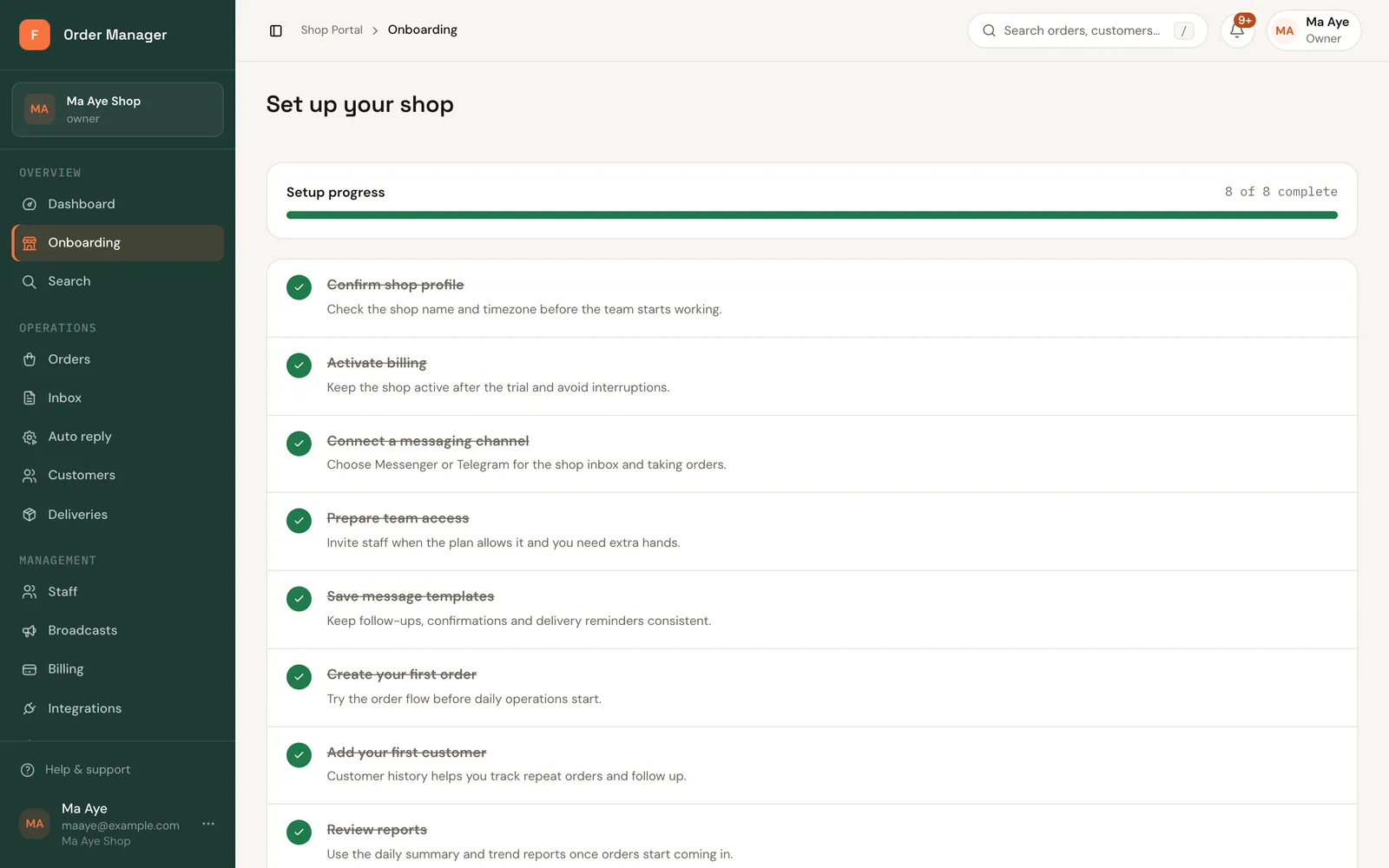
The setup checklist (web)
Set up your shop in the sidebar lists the steps to get your shop running, with a progress count. Each step has a button that takes you to the right page.
| Step | Button | Guide |
|---|---|---|
| Confirm shop profile | Open settings | Shop profile |
| Activate billing | Review billing | Choose a plan |
| Connect a messaging channel | Choose channel | Connect Messenger |
| Prepare team access | Invite staff | Invite staff |
| Save message templates | Create template | Reply templates |
| Create your first order | Create order | Create an order |
The dashboard
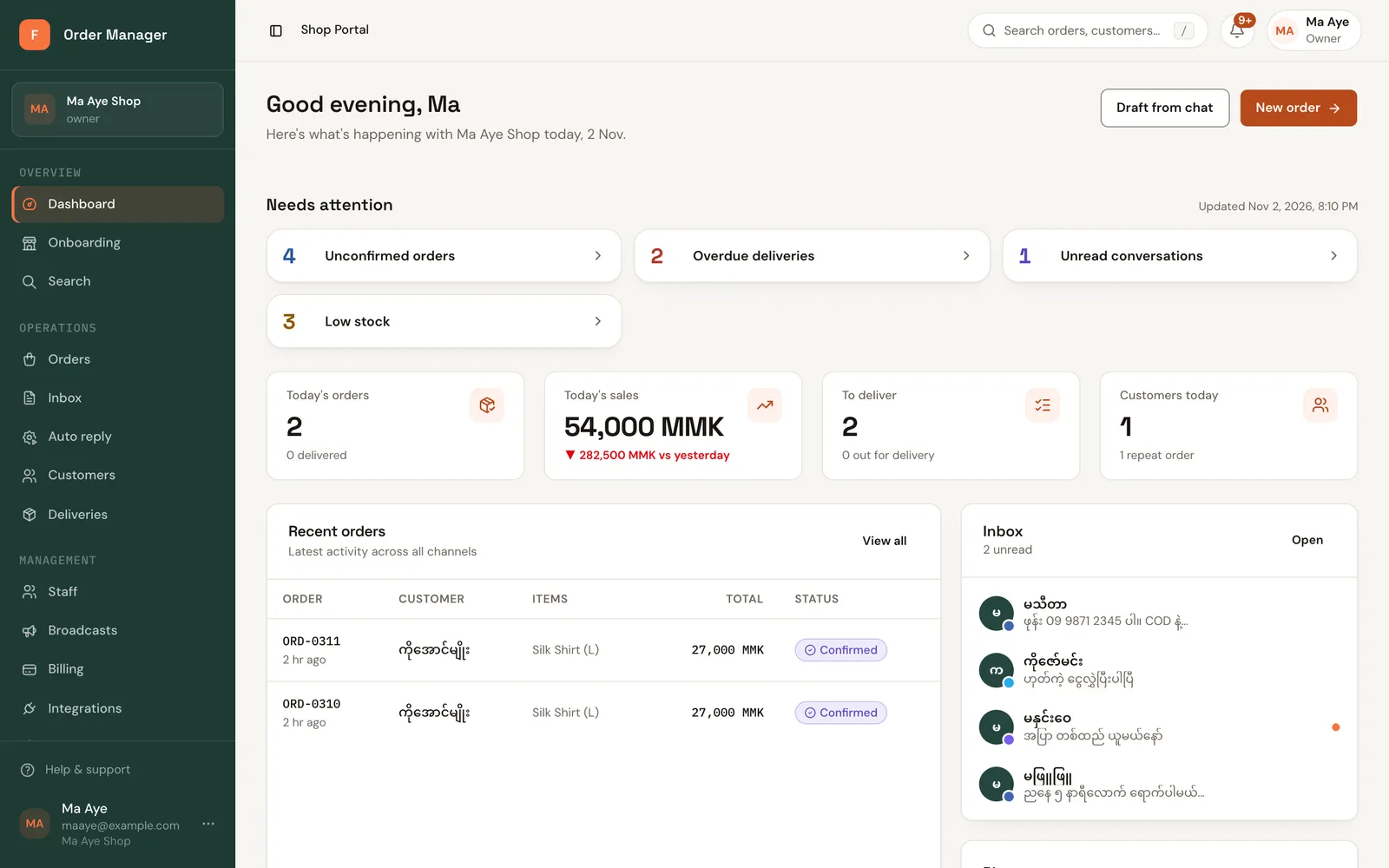
The dashboard shows today's numbers, a Needs attention list, and buttons for Draft from chat and New order.
Needs attention lists what's waiting for you:
- Unconfirmed orders
- Overdue deliveries
- Unread conversations
- Messages a channel refused to send in the last 7 days
- Staff seat or channel limit warnings