

Inbox and channels
Connect Facebook Messenger
Connect your Facebook Page so its Messenger chats arrive in FOM's inbox.
Before you start
- You must be the shop Owner or a Manager.
- You must be an admin of the Facebook Page, and able to sign in to Facebook.
- Your plan must include a free channel. The Shop plan includes one; to add more, see Add-ons. The free trial has no channels.
Open Integrations in the sidebar (Sales channel integrations).
On the Messenger card, click Connect Messenger.
Sign in with Facebook and allow FOM to manage your Page's messages.
On Select Page, click Connect this page next to your shop's Page. You'll see Messenger page connected.
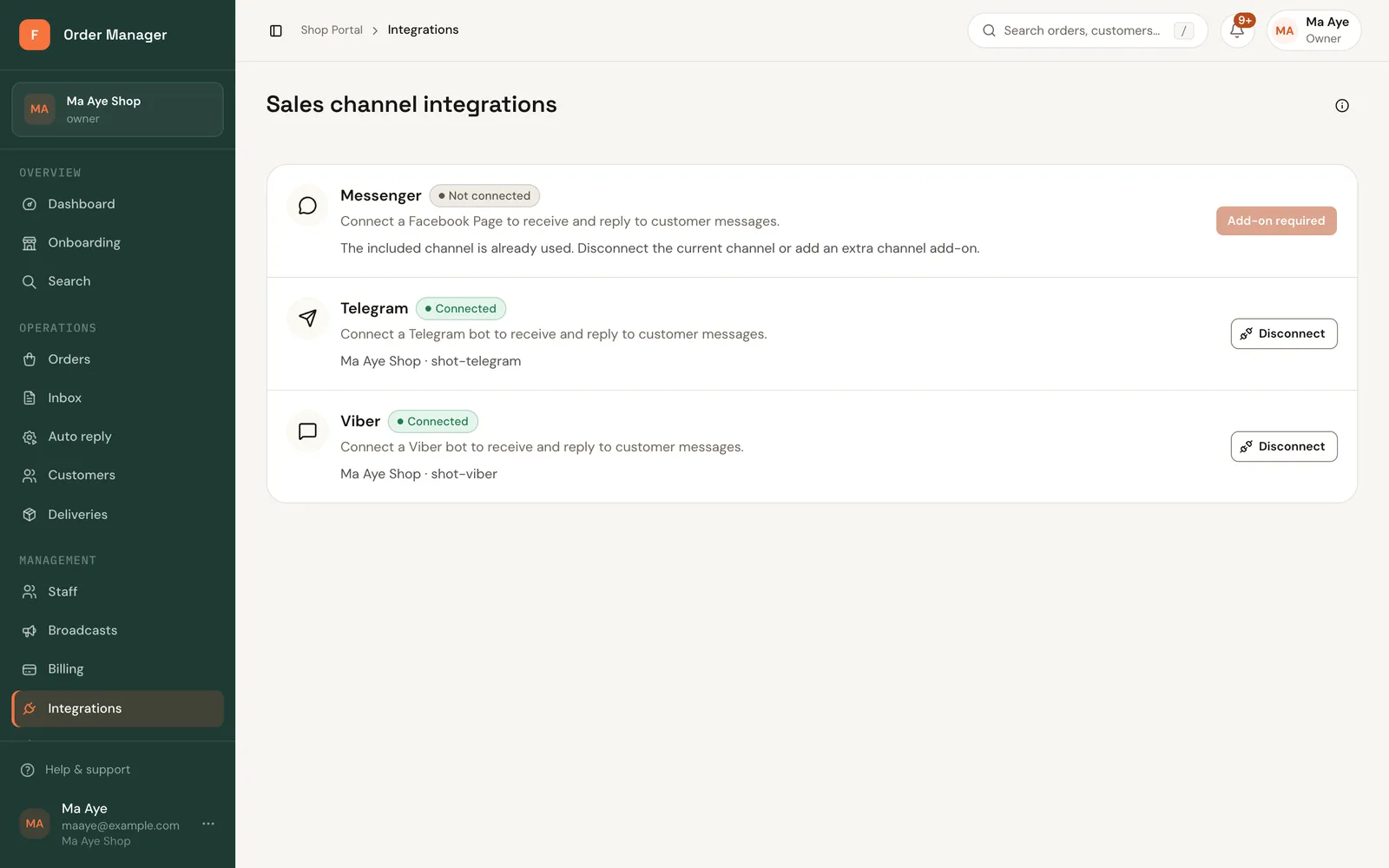
New Messenger chats now appear in your inbox.
"The included channel is already used"
Your plan's channel is taken by another connection. Disconnect that channel first, or add an extra channel add-on.
If the connection stops working later, use Reconnect. See Channel connection issues.