

Settings and account
Shop profile and automatic messages
Change your shop's name and time zone, and choose which order updates are sent to customers automatically.
Before you start
Changing shop settings needs the Owner role (Manage shops). Others can view them.
Shop name and time zone
Open Settings → Shop profile. Change the Shop name or Timezone (for example Asia/Yangon) and click Save changes. The currency is MMK.
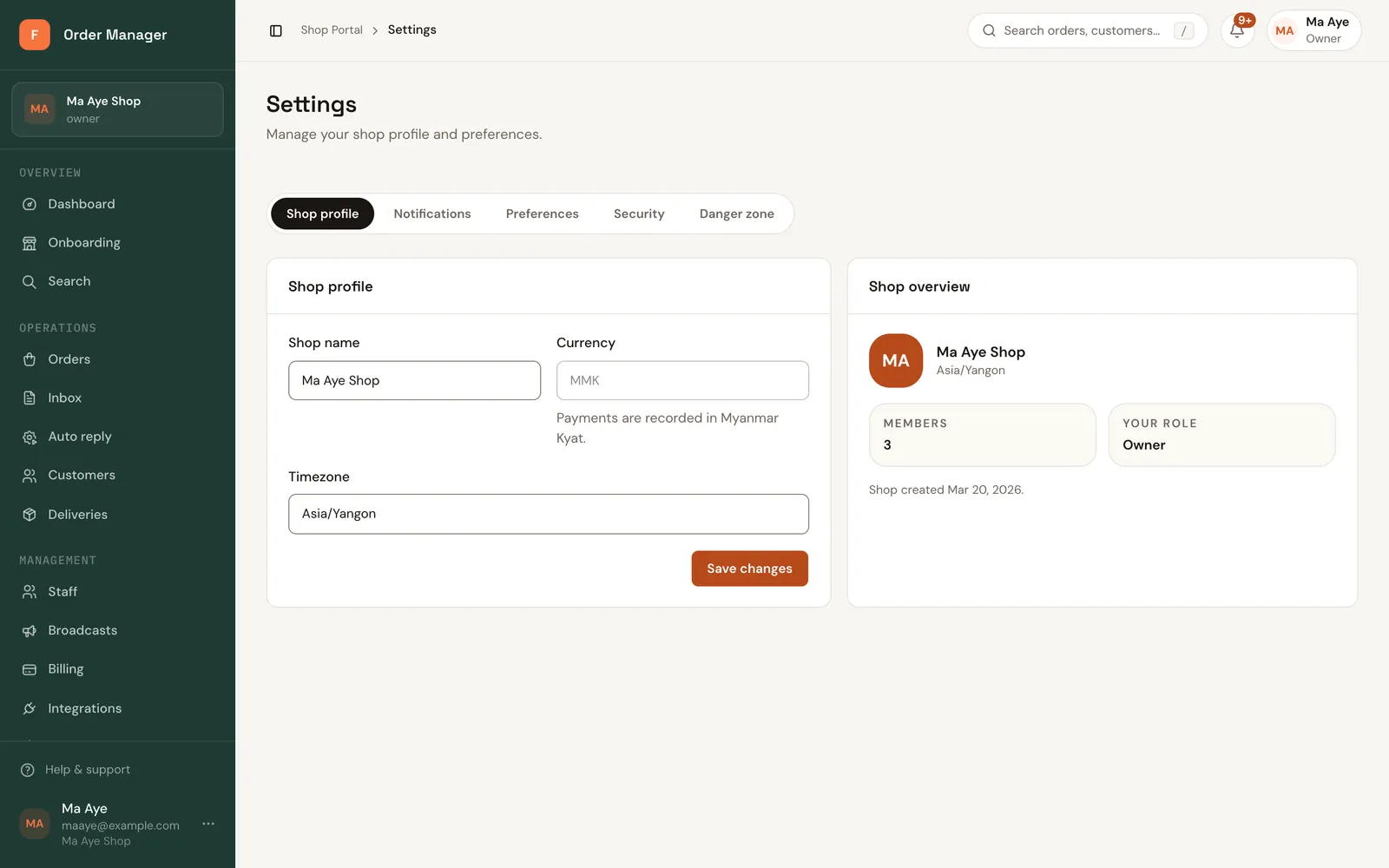
The time zone decides what "today" means in reports and on the dashboard.
Automatic messages to customers
FOM can message customers in their chat when an order changes.
Open Settings → Notifications, then Messaging notifications. Turn on the updates you want:
- When an order is confirmed (and, separately, send the invoice automatically)
- When it's out for delivery
- When it's delivered
- When it's cancelled
Click Save preferences.
The confirmed and out-for-delivery messages include the order's tracking link.