

Team and roles
Invite staff
Invite people to work in your shop, choose their role, and manage seats, invites and access.
Before you start
- Inviting needs the Owner or Manager role.
- Staff need a paid plan. The Shop plan includes 3 staff seats (the owner doesn't use one); add more with Add-ons. The free trial is owner-only.
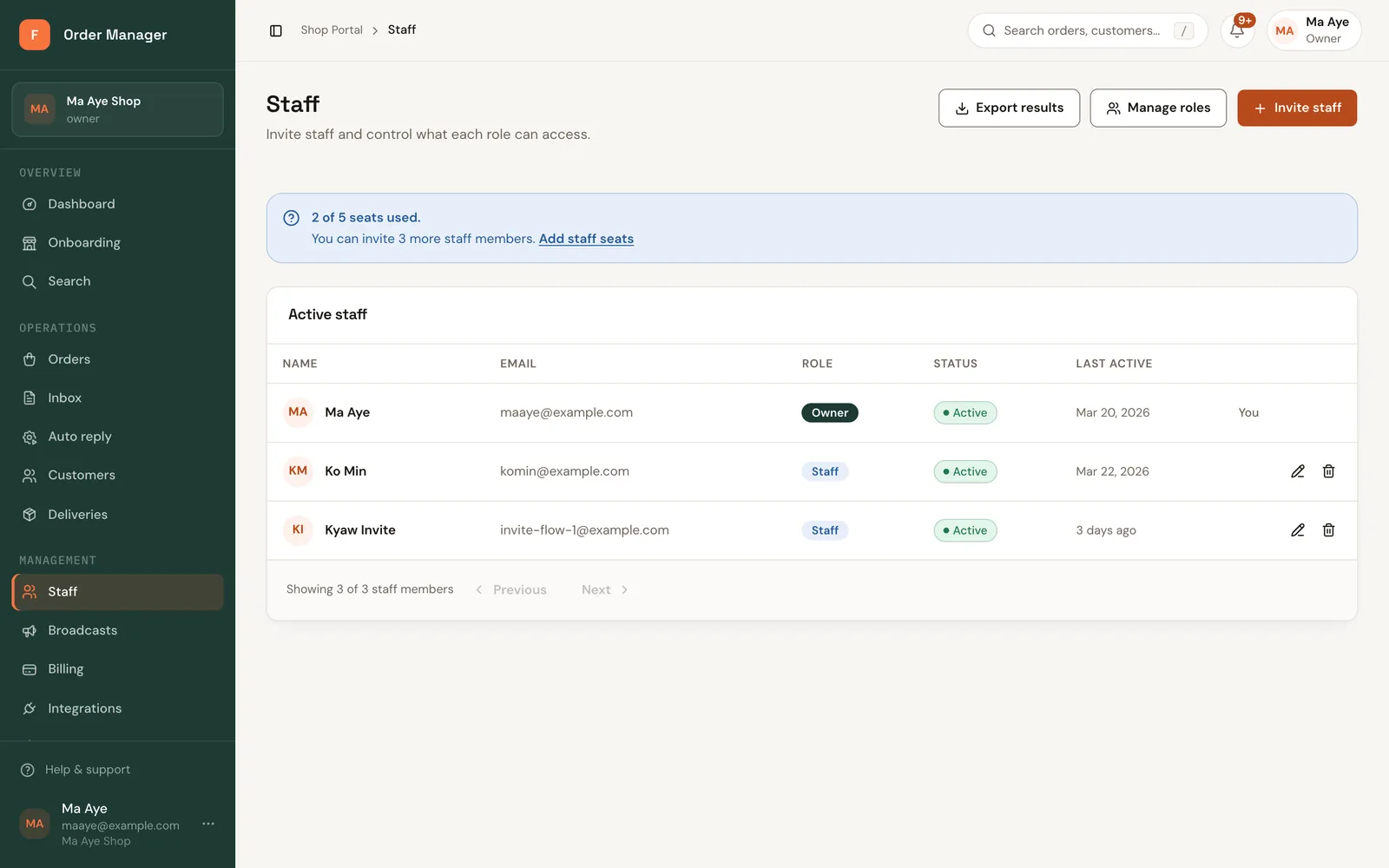
Open Staff. The page shows how many seats are used, for example "2 of 3 seats used."
Click Invite staff.
Fill in Member name, Email (or Phone) and choose their Assigned roles. Staff is selected by default.
Click Send invite. They get an email with a link to join.
Manage invites and staff
- Resend invitation if they didn't get it, or Cancel invitation.
- To pause someone, edit them and set Access status to disabled.
- Remove staff member removes their access immediately.
- To change what someone can do, change their role. See Roles and permissions.
No free seat?
If every seat is used, new staff stay read-only. Add a seat, or remove someone first.