

Inbox and channels
Auto-replies
Reply automatically to messages that contain a keyword, such as "price", on one channel or all of them.
An auto-reply rule sends a reply by itself when a customer's message matches a keyword. Use it for questions you answer all day, like prices, delivery fees or opening hours.
Before you start
You need the Owner or Manager role, and a paid plan (auto-replies aren't in the free trial).
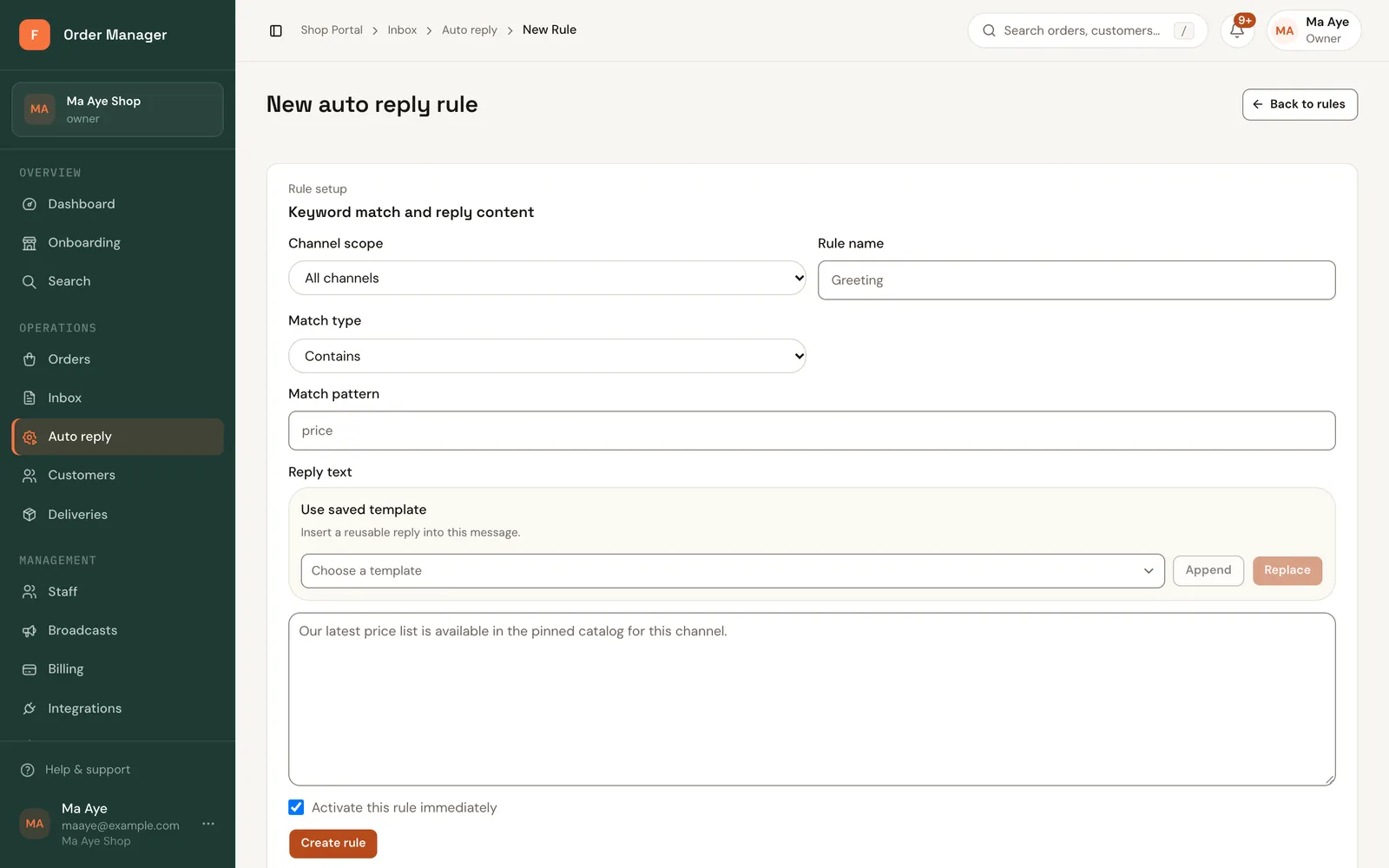
Open Inbox and click Auto-reply rules, then New rule.
Choose the Channel scope: All channels, or one channel only.
Give it a Rule name.
Under When, choose Message contains keywords or Message matches exactly, then enter the Keywords.
Write the Reply. You can insert a saved template or placeholders.
Click Save rule. Turn a rule on or off with its switch in the list.
Good to know
- A rule replies once per conversation for each match, so customers aren't flooded.
- Keep keywords short and include both languages, for example
price, ဈေး. - If the reply uses a placeholder like
{tracking_link}and the chat isn't linked to a customer with an order, FOM doesn't send that reply rather than send the placeholder as text.